Odoo for Discrete Manufacturing & MRP: A Practical Guide
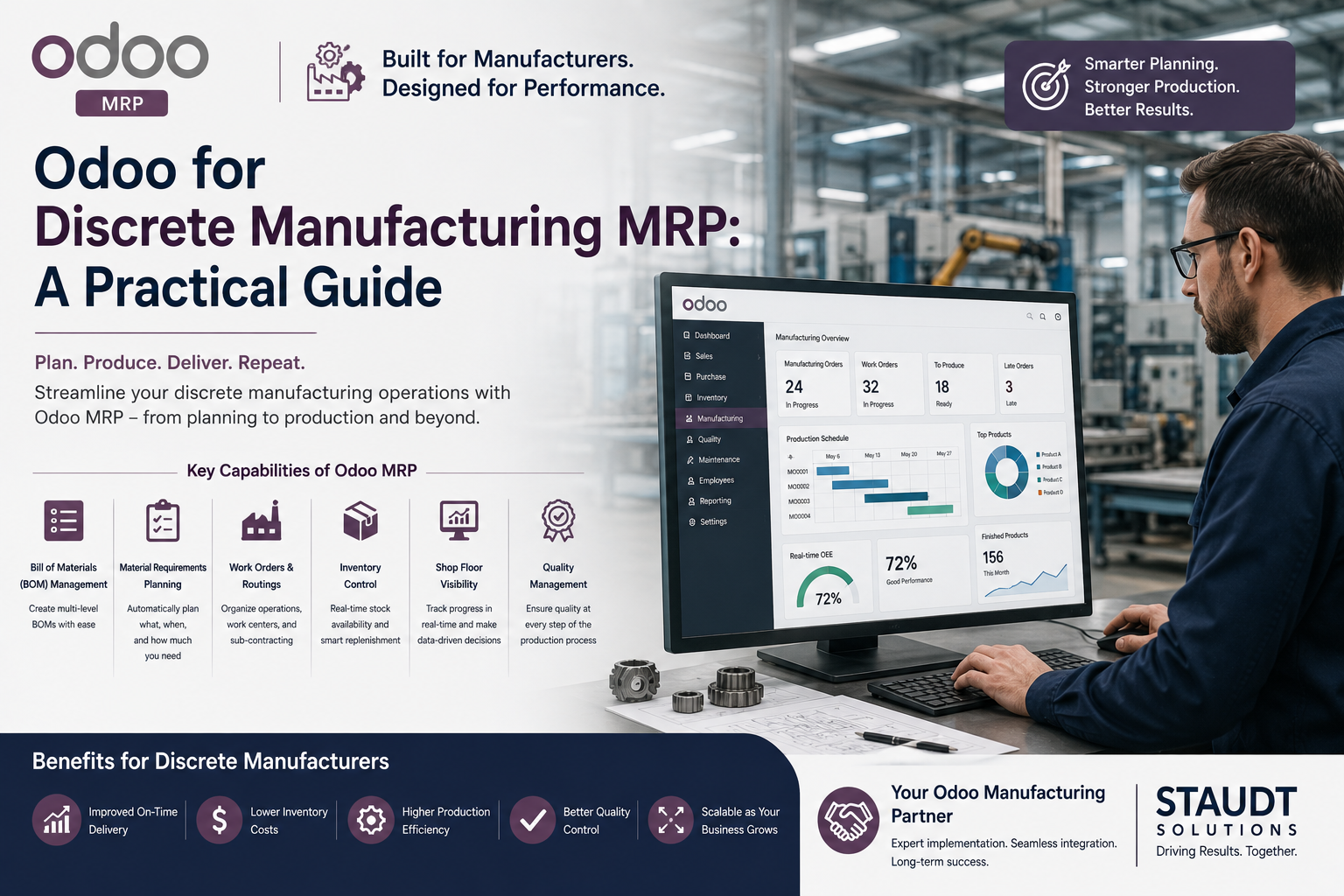
Discrete manufacturers — companies producing distinct, countable units rather than bulk or process output — have specific requirements that generic ERP guidance tends to skip over. If you’re evaluating Odoo for a discrete manufacturing environment, here’s what actually matters for MRP (Material Requirements Planning) to work correctly.
What Makes Discrete Manufacturing Different
Discrete manufacturing typically involves multi-level bills of materials, assembly sequences, and components that get consumed at specific points in a production routing. Unlike process manufacturing (where inputs blend into an undifferentiated output, like chemicals or food), discrete manufacturing needs to track individual units, serial numbers or lots in many cases, and precise component consumption at each stage of assembly.
This distinction matters because it changes how Odoo needs to be configured. A discrete manufacturer using process-manufacturing defaults will get inaccurate inventory counts and unreliable MRP output almost immediately.
Core MRP Configuration for Discrete Manufacturing
Accurate, multi-level BOMs. MRP is only as good as the bill of materials underneath it. If your BOM structure doesn’t reflect real component relationships — including sub-assemblies — the system’s material planning recommendations will be wrong from the start, and manual overrides become the norm rather than the exception.
Routing and work center setup that matches your floor. MRP calculates not just what materials are needed, but when — based on routing lead times and work center capacity. Generic routing templates produce generic (and usually wrong) planning suggestions.
Lead time accuracy on purchased components. MRP’s reorder recommendations depend entirely on accurate vendor lead times. Manufacturers migrating from spreadsheets often have lead time data that was accurate two years ago and never updated — this needs to be corrected during implementation, not assumed to carry over correctly.
Safety stock and reorder point logic set deliberately, not left at defaults. Default safety stock settings are a starting point, not a finished configuration. They need to reflect actual demand variability and supplier reliability for your specific components.
Common MRP Implementation Mistakes
- Migrating BOM errors from the legacy system. If your current BOMs have inaccuracies, migrating them into Odoo just moves the problem into a new system where it’s harder to spot because the software looks authoritative.
- Skipping work center capacity setup, which causes MRP to generate production schedules that look fine on paper but are impossible to actually execute on the shop floor.
- Treating MRP as “set and forget.” MRP output needs to be reviewed and adjusted as real conditions change — new suppliers, shifting lead times, seasonal demand. A system left unmonitored drifts out of alignment with reality within a few months.
What Good MRP Looks Like in Practice
When configured correctly, MRP should reduce the amount of manual expediting your purchasing and production teams do — not add another system they have to work around. If your team is still relying on side spreadsheets or gut instinct to know what to order and when, months after go-live, that’s a sign the underlying BOM, routing, or lead time data wasn’t set up accurately during implementation.
Bottom Line
Discrete manufacturing and MRP require more configuration depth than a simple assembly or trading business. The software supports it — but only if the person implementing it understands discrete manufacturing well enough to build accurate BOMs, routings, and planning parameters from the start. This is exactly the kind of detail that separates a working system from one your team quietly abandons in favor of spreadsheets six months in.
Author Profile

- Principal Advisor | Business Systems Architect | Manufacturing & Operations | Helping Owners Replace Spreadsheets with Scalable Systems.